Tiny Coders, Big Futures: Coding Robots vs. Coding Games for Preschoolers
Introduction: Why Start Coding in Preschool?
In an era where digital literacy is as fundamental as reading and arithmetic, the question is no longer *whether* to introduce coding to young children, but *how*. Preschoolers—curious, imaginative, and fearless—are at a prime developmental stage for absorbing computational thinking. The two most popular approaches for this age group are coding robots (tangible, interactive devices) and coding games (screen-based or unplugged activities). Both aim to teach sequencing, pattern recognition, problem-solving, and logical reasoning, but they do so in fundamentally different ways. This article explores the strengths and limitations of each, drawing on educational research, practical classroom experience, and developmental psychology to help parents and educators make informed choices.
The Case for Coding Robots: Hands-On Learning with Tangible Feedback
What Are Coding Robots for Preschoolers?
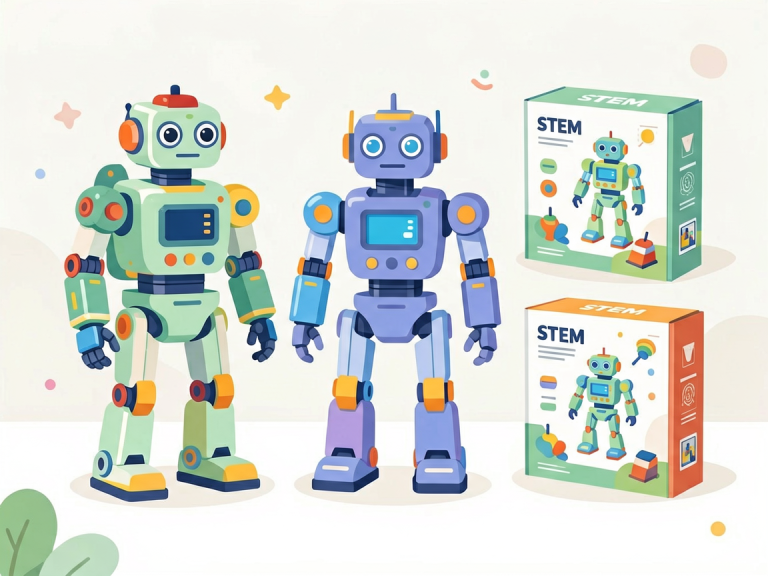
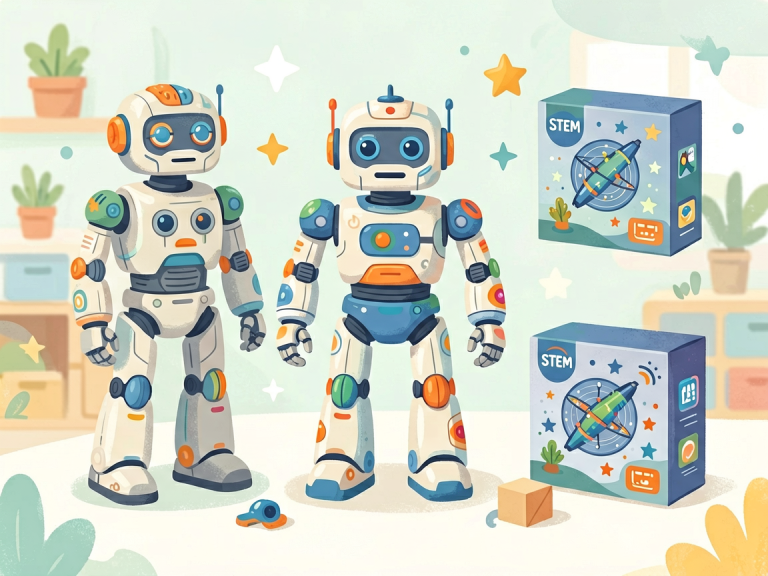
Coding robots for young children are physical devices—often shaped like animals, cars, or friendly characters—that respond to simple commands. Popular examples include Bee-Bot, Botley, Code-a-pillar, and Kibo. Children program these robots by pressing buttons, arranging physical coding tiles, or using block-based interfaces on a tablet. The robot then executes the sequence physically, rolling, spinning, or lighting up.
Benefits of Physical Manipulation
Preschoolers learn best through concrete, hands-on experiences. According to Jean Piaget’s theory of cognitive development, children in the preoperational stage (ages 2–7) struggle with abstract symbols. Coding robots bridge this gap by making abstract commands tangible. When a child presses “forward,” “turn left,” “forward,” and the robot actually moves, the cause-and-effect relationship is immediate and unmistakable. This kinesthetic feedback reinforces learning far more effectively than a digital animation.
Social and Collaborative Learning
Coding robots naturally encourage group work. A common classroom activity involves two or three children planning a path for the robot to reach a target (e.g., a toy animal). They must negotiate, discuss, and debug together. This collaborative process builds communication skills, turn-taking, and emotional regulation. Unlike screen-based games that can isolate a child, robots invite shared physical space.
Screen-Free Appeal
Many parents and educators worry about excessive screen time for preschoolers. The American Academy of Pediatrics recommends limited screen exposure for children under five. Coding robots offer a compelling alternative: they are screen-free or use very minimal screen interaction. This addresses concerns about eye strain, attention fragmentation, and passive consumption. However, some advanced robots require a tablet app for programming, which slightly dilutes this advantage.
Limitations: Cost, Space, and Maintenance
The biggest drawbacks of coding robots are practical. Quality educational robots often cost $50–$150 each, making class sets expensive. They require batteries, storage space, and occasional cleaning. Moreover, a single robot can only be used by a small group at a time, which may frustrate children waiting for a turn. In a large preschool classroom, managing multiple robots simultaneously can be chaotic.
The Case for Coding Games: Accessibility, Variety, and Scalability
What Are Coding Games for Preschoolers?
Coding games range from unplugged activities (e.g., printable board games, card games, “robot dance” games) to digital apps (e.g., ScratchJr, Code.org’s pre-reader activities, Lightbot Jr). Digital games use colorful characters, drag-and-drop commands, and immediate visual feedback. Unplugged games rely on physical movement, storytelling, or puzzles.
Scalability and Low Cost
One of the greatest strengths of coding games is their affordability. A single app subscription or a free website can serve an entire classroom of 20 children simultaneously. Unplugged games can be printed or made from household items. This democratizes access, which is crucial for under-resourced schools or families. For example, a teacher can print “code cards” and have children “program” a classmate to walk across the room—no hardware required.
Adaptive Difficulty and Engagement
Digital coding games excel at personalizing the learning experience. An app like ScratchJr adjusts challenge levels based on the child’s performance. It offers endless variations of puzzles, keeping novelty high. Many games incorporate storytelling, music, and rewards, which maintain attention spans typical of preschoolers. However, the very features that make them engaging—bright animations, sound effects, timers—can also be overstimulating for some children.
Developmental Concerns with Screen Use
The primary downside of digital coding games is screen dependence. Even with strict time limits, prolonged tablet use may interfere with sleep, physical activity, and social interaction. Moreover, preschoolers often lack the metacognition to self-regulate; they may become frustrated or overly excited. Unplugged games avoid these issues, but they require more adult facilitation and preparation. A common challenge is that unplugged games can feel less “magical” than a robot that actually moves.
Comparative Analysis: Choosing the Right Tool for the Right Goal
Learning Outcomes: Which Is More Effective?
Research comparing the two approaches is still emerging, but early studies suggest that both can teach foundational coding concepts. However, they may target different skills. Coding robots excel at teaching spatial reasoning and sequencing because children must plan a physical path. A 2019 study by Kazakoff and Bers found that preschoolers who used Bee-Bot showed significant gains in directional vocabulary and route-planning. In contrast, digital coding games often emphasize loops and conditional logic more naturally, because the software can simulate complex commands instantly.
Developmentally Appropriate Practice
The National Association for the Education of Young Children (NAEYC) emphasizes that technology should be used as a tool, not a replacement for human interaction. For the youngest preschoolers (ages 3–4), coding robots are generally more appropriate because they align with sensorimotor learning. By ages 5–6, children can handle the abstraction of digital games. A blended approach is often ideal: start with robots to build concrete understanding, then transition to games for deeper exploration.
Teacher and Parent Roles
Coding robots require more adult setup and facilitation. A teacher must plan routes, charge batteries, and model problem-solving. Coding games, especially apps, allow more independent play but require monitoring to prevent frustration. Unplugged games depend heavily on adult creativity to make them engaging. The best choice depends on the adult’s comfort level and available time.
Practical Recommendations for Parents and Educators
For Home Use: Start with Low-Tech
If you are a parent with limited budget and space, begin with unplugged coding games. Simple activities like “Simon Says” with movement commands, building a block tower following a “code” (e.g., red, blue, yellow), or using a printable maze where your child “programs” you to navigate obstacles — these are free and powerful. Once your child shows sustained interest, consider a single coding robot like Botley (around $40) that requires no tablet.
For Classroom Use: Rotate Stations
In a preschool classroom, I recommend a station rotation model. Set up one station with a coding robot (one robot per two children), another with a tablet running ScratchJr, and a third with an unplugged game like “Code & Go Robot Mouse” activity mats. Rotate groups every 15–20 minutes. This exposes every child to both modalities and accommodates different learning styles.
Integrating Both for Deeper Learning
The most innovative early childhood educators combine both. For example, after children program a robot to move across a grid, they can open a digital app and recreate the same sequence on screen, then compare the two. This cross-modal transfer strengthens neural pathways. Another idea: have children draw a “map” for the robot on paper, then debug the robot’s actual performance, and finally design a digital version of the same challenge.
Conclusion: No Single Best Answer
There is no universal winner in the debate between coding robots and coding games for preschoolers. Each tool has unique affordances that serve different developmental needs, budgets, and contexts. Coding robots offer unmatched sensory engagement and collaborative potential, but they are expensive and logistically demanding. Coding games provide boundless creativity and scalability, yet risk overexposure to screens. The wisest approach is a thoughtful, balanced integration that prioritizes play, interaction, and exploration over rigid instruction. After all, for a preschooler, the most important thing is not to learn programming syntax but to develop a curious, resilient, and logical mind—one that sees problems as puzzles waiting to be solved. Whether that puzzle is navigated by a flashing robot or a dancing cat on a screen, the journey of discovery is what matters most.