Robot Kits vs. Coding Apps: Which Is Better for Budding Programmers?
Introduction
In the digital age, learning to code has become as fundamental as reading and writing. Parents, educators, and self‑learners face a classic dilemma: should they invest in a physical robot kit that brings code to life, or rely on a coding app that offers a virtual playground? Both tools promise to teach programming logic, problem‑solving, and creativity, yet they differ fundamentally in approach. Robot kits—like LEGO Mindstorms, VEX Robotics, or micro:bit‑based sets—allow learners to build tangible machines and command them with code. Coding apps—such as Scratch, Tynker, or Lightbot—provide a screen‑based environment where users snap together blocks or write scripts to animate characters. But which is truly “better”? The answer depends on the learner’s age, learning style, goals, and available resources. This article explores the strengths and weaknesses of each, guiding you toward the choice that best fits your educational journey.
1. The Hands‑On Learning Experience
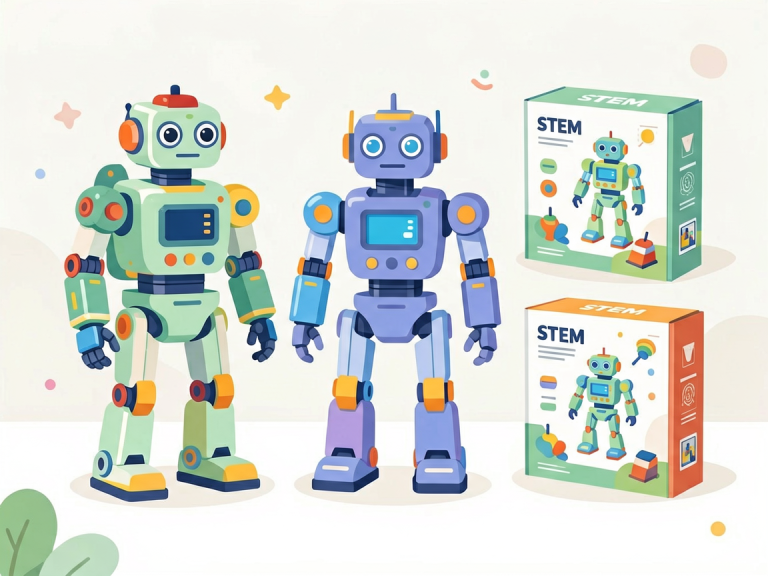
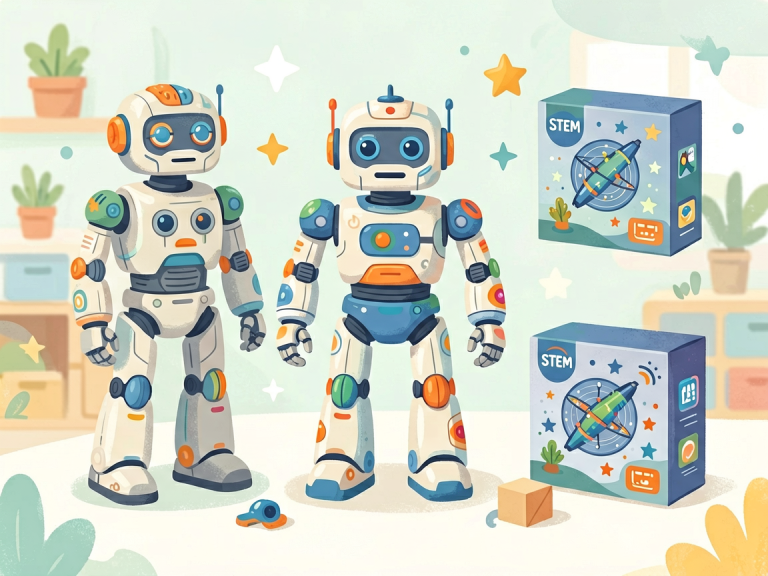
One of the most obvious differences lies in physical engagement. Robot kits transform abstract code into real‑world motion. When a student writes a sequence of commands to make a robot move forward, turn, and pick up an object, they witness immediate, tactile feedback. This kinesthetic learning can be profoundly motivating, especially for younger children or those who struggle with purely abstract thinking. The act of assembling gears, sensors, and motors also fosters spatial reasoning, fine motor skills, and an intuitive understanding of mechanics and electronics.
In contrast, coding apps operate entirely within a digital space. While they can simulate physics or create visual animations, there is no physical object to touch. For some learners, this lack of tangibility makes the experience less engaging. However, the virtual environment offers advantages: no risk of breaking parts, no need for batteries or replacement components, and unlimited “undo” options. A student can experiment freely without fear of physical damage. Moreover, coding apps often provide immediate visual feedback—characters jump, colors change, or sound effects play—which can be just as satisfying for a mind that is comfortable with virtual interactions.
2. Engagement and Motivation
Motivation is a critical factor in any educational endeavor. Robot kits tend to generate a high level of excitement. The promise of building a moving machine—a car, a robotic arm, or even a tiny walking humanoid—sparks curiosity and a sense of ownership. Children who might otherwise find coding boring often become deeply invested when they see their creation respond to commands. Competitions like FIRST LEGO League or VEX Robotics further amplify this motivation by adding a social and competitive element.
Coding apps, on the other hand, rely on game‑like mechanics. They frequently incorporate levels, badges, and rewards to keep users hooked. For example, Tynker uses narrative stories where kids solve puzzles to progress, while Scratch encourages creative storytelling and sharing projects with a global community. The app‑based approach can be more accessible for solo learners who prefer flexible, self‑paced study. Yet some critics argue that the gamification of coding apps may lead to superficial learning—students might focus on collecting stars rather than understanding underlying logic.
3. Cost and Accessibility
Cost is a practical constraint that often decides the debate. Robot kits are expensive. A comprehensive kit from LEGO Mindstorms or VEX can range from $200 to over $500, and additional sensors or parts can drive the price higher. Moreover, physical components wear out or get lost, requiring replacement. For schools with tight budgets, outfitting an entire classroom with robot kits may be prohibitive. Conversely, many high‑quality coding apps are free or cost just a few dollars per month. Scratch is completely free and runs in a web browser. Lightbot and Tynker offer generous free tiers. This makes coding apps extremely accessible to anyone with a smartphone, tablet, or computer.
Accessibility also concerns geography. In remote or underserved areas, robot kits may be difficult to purchase or ship, and replacement parts are even harder to obtain. Apps require only an internet connection (sometimes not even that, as many can be downloaded). However, the barrier is not just financial: robot kits demand space for storage and assembly, which may not be available in small homes or crowded classrooms. Coding apps require only a screen and a few megabytes of storage.
4. Skill Development: Computational Thinking vs. Physical Construction
While both tools aim to teach programming, they emphasize different skill sets. Robot kits naturally integrate computational thinking with engineering. To make a robot navigate a maze, a student must decompose the problem into discrete steps, recognize patterns in sensor readings, and debug both code and mechanical failures. This dual challenge—debugging hardware and software—mirrors real‑world robotics and engineering, where code must interact with imperfect physical environments. It also teaches patience and systematic troubleshooting.
Coding apps focus more exclusively on computational thinking and software design. By abstracting away hardware, they allow learners to dive deep into concepts like loops, conditionals, variables, and algorithms without distractions. For instance, Scratch projects can involve complex event‑driven programming and parallel processes. Apps also make it easier to try advanced topics like recursion or data structures because there is no hardware limitation. However, some educators worry that without physical constraints, students may develop an overly idealized view of programming—one where code always executes perfectly if the syntax is correct, ignoring real‑world factors like sensor noise or motor inertia.
5. Age and Learning Stage Considerations
Age plays a crucial role in determining which tool is “better.” For very young children (ages 4‑7), coding apps are generally more suitable. Apps like ScratchJr or Kodable use large, colorful blocks and simple tasks that require only tapping and dragging, avoiding the frustration of small LEGO bricks or complex wiring. At this age, fine motor skills are still developing, and physical kits might be more frustrating than educational.
For elementary‑aged children (7‑12), robot kits can be a powerful tool, especially if they have some prior screen‑based coding experience. Kits like LEGO Boost or Sphero BOLT are designed with intuitive block‑based interfaces, making the transition from app to robot smooth. The physical interaction helps solidify abstract concepts. For teenagers and adults, both options remain viable, but the choice often depends on career interests. Those leaning toward software engineering may prefer coding apps and platforms like Replit or Codepen to build projects. Those interested in hardware, IoT, or mechanical engineering will benefit more from robot kits like Arduino or Raspberry Pi based sets.
6. Long‑Term Learning Outcomes
Looking beyond initial engagement, which tool produces deeper, more lasting knowledge? Research suggests that a blended approach yields the best results. A study by the MIT Media Lab found that students who alternated between physical robotics and virtual coding apps demonstrated better transfer of computational thinking concepts than those using only one medium. The physical kit provides a memorable, concrete experience, while the app offers flexibility to practice and iterate quickly.
However, if forced to choose, robot kits may have an edge in sparking long‑term passion for STEM fields. The “wow” factor of building a machine that can perform tasks is difficult to replicate on a screen. Many professional engineers recall their early experiences with robotic kits as pivotal moments. On the other hand, coding apps can sustain interest over longer periods because they allow for incremental, low‑cost expansion. A child can start with simple animation and gradually move to building complex games or apps, all within the same ecosystem. Robot kits often have a fixed set of possibilities unless you buy expensive add‑ons.
Conclusion
So, which is better—robot kits or coding apps? The honest answer is: it depends. For a complete beginner, especially a young child, a coding app often provides a gentle, low‑cost introduction. For a student who thrives on hands‑on activities and has the budget, a robot kit can ignite a passion that lasts a lifetime. Ideally, learners should start with a coding app to grasp fundamental logic, then graduate to a robot kit to see that logic embodied in a tangible machine. In an ideal world, educators would provide access to both, recognizing that the physical and virtual reinforce each other. The ultimate goal is not to choose one over the other, but to use each tool where it shines brightest. By blending the digital precision of apps with the tactile satisfaction of robots, we can nurture well‑rounded problem‑solvers ready for the challenges of a technology‑driven world.