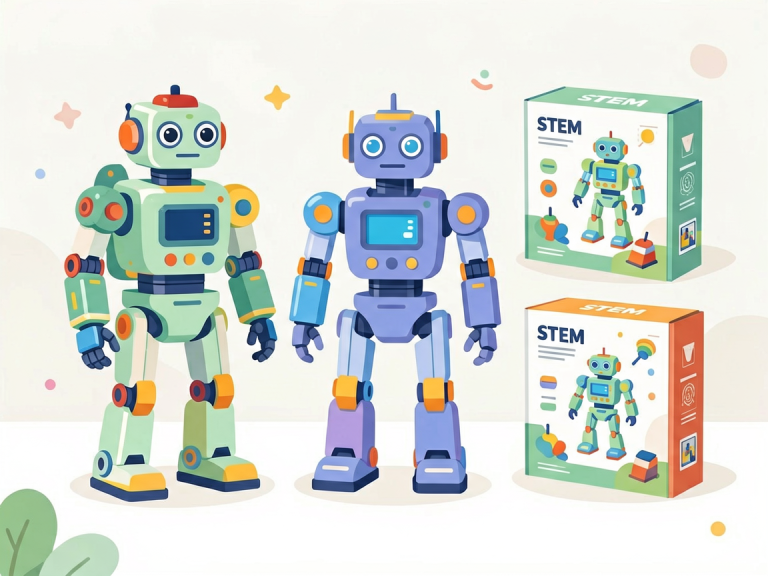
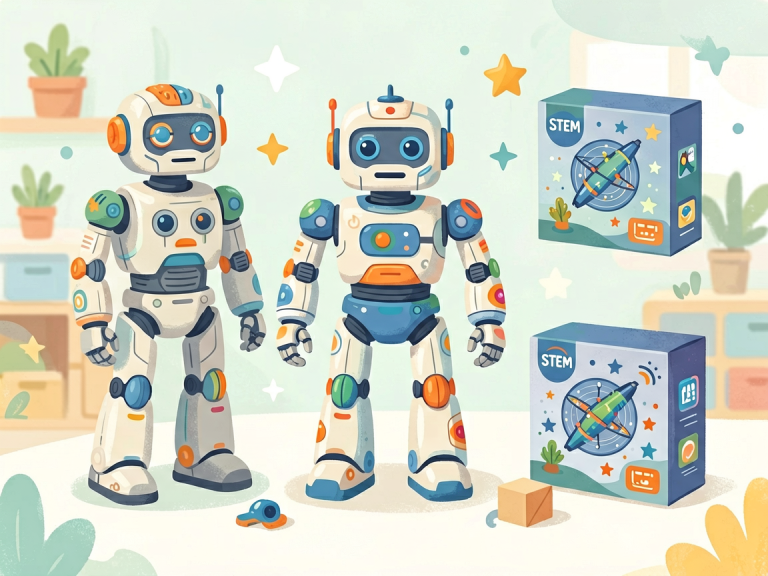
Building Bytes vs. Building Bots: The Great Debate Between Coding Apps and Robot Kits
In the rapidly evolving landscape of STEM education, parents, teachers, and young learners alike are constantly faced with a fundamental choice: should a child’s first foray into programming be through a screen‑based coding app or a tangible, movable robot kit? Both tools promise to demystify technology and nurture problem‑solving skills, yet they operate in fundamentally different ways. On one side, coding apps—such as Scratch, Tynker, and Code.org—offer a low‑cost, accessible path into the logic of code. On the other, robot kits—like LEGO Mindstorms, VEX IQ, and Makeblock—bring code to life through hardware, motors, and sensors. This article explores the strengths and limitations of each approach, helping educators and families decide which tool best suits a learner’s age, goals, and learning style.
The Virtual Playground: What Coding Apps Offer
Coding apps have revolutionized how children first encounter programming. By replacing cryptic syntax with colorful blocks or intuitive drag‑and‑drop interfaces, these platforms lower the barrier to entry to nearly zero. A child can create an interactive story, animate a sprite, or build a simple game within minutes, experiencing immediate visual feedback without needing to own any physical components.
Accessibility and Cost‑Effectiveness
One of the greatest advantages of coding apps is their affordability. Most are free or require only a modest subscription, and they run on devices that many families already own—tablets, laptops, or even smartphones. This democratization means that a child in a resource‑limited classroom can still learn loops, conditionals, and variables. Apps like Scratch are also platform‑agnostic, allowing progress to be saved in the cloud and continued across different devices. For schools with tight budgets, coding apps are a natural starting point.
Immediate Gratification and Iteration
Because coding apps operate entirely in software, learners can test and debug their projects instantaneously. If a character doesn’t move as intended, the child can tweak the code block, click “run,” and see the result in seconds. This rapid feedback loop encourages experimentation and resilience; failure becomes a quick, painless step toward success. Many apps also include built‑in tutorials, tutorials with gamified levels, and community galleries where children can remix each other’s projects. Social sharing further motivates sustained engagement.
Limitations: Abstract and Screen‑Bound
However, the virtual nature of coding apps is also their Achilles’ heel. Children today are already surrounded by screens; adding more screen time can lead to fatigue and a disconnect from the physical world. Moreover, code in an app remains abstract. A child can understand that a “repeat 10 times” loop makes a sprite jump ten times, but they do not see how that same loop might control a real‑world motor. This abstraction can make it harder for some learners to grasp the practical consequences of programming—especially those who are kinesthetic or tactile learners. Without tangible output, the lesson may feel like a game rather than a transferable skill.
The Tangible Classroom: Why Robot Kits Matter
Robot kits address the very gap that coding apps leave open: they make code physical. When a child writes a program that makes a wheeled robot move forward, turn left, and pick up an object, the cause‑and‑effect relationship between code and action becomes visceral. The robot does not merely move on a screen; it rolls across the floor, bumps into a wall, and triggers a sensor—allowing the learner to see, hear, and sometimes even feel the consequences of their logic.
Multisensory Learning and Engagement
For many children, especially those aged 8 to 14, building and programming a robot is inherently motivating. The hands‑on assembly process—connecting gears, attaching wheels, wiring sensors—develops fine motor skills and spatial reasoning. Once the robot is built, the coding stage becomes purposeful: the child must write a program that successfully navigates a maze or follows a line. If the robot fails, the child must not only debug the code but also check the mechanical connections. This dual challenge integrates engineering thinking with programming, mirroring real‑world problem‑solving far more closely than any app.
Transferable Skills and Real‑World Context
Robot kits teach concepts that apps often gloss over. For instance, a coding app might have a “move 10 steps” block, but a robot kit forces the learner to consider units of distance, motor power, battery levels, and friction. This introduces a practical understanding of physics, measurement, and iterative design. Furthermore, many advanced robot kits (such as VEX or Arduino‑based platforms) allow children to graduate from block‑based to text‑based languages like Python or C++, providing a natural progression. Collaborative robotics competitions (e.g., FIRST LEGO League) also foster teamwork, project management, and presentation skills—elements that are harder to replicate in solitary app usage.
Drawbacks: Cost, Complexity, and Space
The most obvious downside of robot kits is their price. A quality starter kit can cost anywhere from $100 to $500 or more, and many require additional sensors or expansion packs to remain engaging over time. Schools may need to purchase multiple kits for a classroom, and replacement parts (lost gears, broken wires) add ongoing expenses. Robot kits also demand physical space—a table for construction, a clear floor for testing—and adult supervision for younger children who might struggle with small pieces. Additionally, the setup time (assembling the robot, installing software, charging batteries) can frustrate impatient learners, and a single malfunctioning sensor can halt an entire lesson.
Head‑to‑Head: Comparing Learning Outcomes
When deciding between coding apps and robot kits, it is essential to consider the specific learning objectives.
For Young Beginners (Ages 5–7): Coding apps generally win. Children at this age have limited fine motor skills for assembling tiny gears, and the patience required to troubleshoot a physical robot can exceed their attention span. Apps like ScratchJr or Code.org’s pre‑reader courses introduce fundamental concepts like sequencing and pattern recognition in a playful, low‑friction environment. Robot kits designed for this age group (e.g., Cubetto or Botley) exist but are simpler and less versatile than their app‑based counterparts.
For Middle‑School Learners (Ages 8–13): This is where robot kits shine. Children are old enough to handle assembly and eager to see their code affect the real world. A study published in the *Journal of Educational Computing Research* found that students who used robotic kits showed stronger gains in computational thinking and engineering design skills compared to those who only used coding apps. The tangible feedback helps solidify abstract concepts like variables (e.g., “speed = 50” has a visible effect on how fast the robot moves) and conditionals (e.g., “if the ultrasonic sensor detects an obstacle, turn right”).
For Advanced or Self‑Directed Learners (Ages 14+): The best approach is a hybrid. By this stage, learners can benefit from the depth of text‑based coding environments (e.g., Python on a Raspberry Pi) while also building and customizing robots from scratch. Robot kits like the Makeblock mBot Ranger or the Micro:bit‑based kits allow integration with apps, blurring the line between the two. Here, the app becomes an IDE (integrated development environment) for coding the robot—combining the best of both worlds.
The Hybrid Future: Blending Virtual and Physical
Rather than framing this as an either‑or choice, many educators now advocate for a blended approach. Start with coding apps to teach the core logic of programming without the friction of hardware errors. Once the learner has mastered basic loops and conditionals, introduce a robot kit to apply those skills in a physical context. This progression mirrors how professional engineers work: they first write code in a simulated environment, then deploy it on actual hardware. Several platforms already support this path. For example, Scratch can be extended with the LEGO MINDSTORMS EV3 extension, allowing children to write block‑based code that runs a physical robot. Similarly, the SPIKE Prime kit from LEGO Education integrates an app that guides building and coding side by side.
Cost‑Effectiveness in a Blended Model
A school with limited funds might invest in a few shared robot kits for hands‑on projects while relying on free coding apps for daily practice. This way, every child gets exposure to both types of learning without requiring a one‑to‑one hardware ratio. Parents at home can also adopt this model: use free apps like Scratch during weekends and save robot‑kit projects for summer camps or special occasions.
Conclusion: Which One Should You Choose?
There is no universal answer—the right tool depends on the learner’s age, curiosity, and environment. Coding apps are unbeatable for affordability, accessibility, and pure logic training. They are the best starting point for young children or anyone on a tight budget. Robot kits, meanwhile, excel at making STEM tangible, fostering engineering thinking, and motivating learners who thrive on tactile experiences. They are well worth the investment for older children who have already grasped basic programming concepts and are ready to connect code to the physical world.
Ultimately, the most powerful learning happens when code leaves the screen and the robot becomes an extension of the child’s imagination. Whether you begin with blocks on a tablet or gears on a tabletop, the goal remains the same: to inspire the next generation of creators, builders, and problem‑solvers. And in that quest, both bots and bytes have a vital role to play.