Building Tomorrow’s Minds: A Comparative Deep Dive into Robot Kits and Coding Apps
Introduction: The Digital Playground of Modern Education
In an era where screens dominate daily life, parents and educators constantly search for meaningful ways to introduce children to technology without turning them into passive consumers. The two most popular entry points into the world of programming and engineering are robot kits and coding apps. Both promise to teach logic, problem-solving, and creativity, but they take fundamentally different paths. Are physical building blocks with motors and sensors superior to virtual puzzles and drag-and-drop interfaces? Or do coding apps offer a more accessible, scalable route? This article unpacks the strengths and weaknesses of each approach, examining their pedagogical foundations, engagement strategies, cost considerations, and long-term impact on young learners.
The Tangible Appeal of Robot Kits
Hands-On, Minds-On Learning
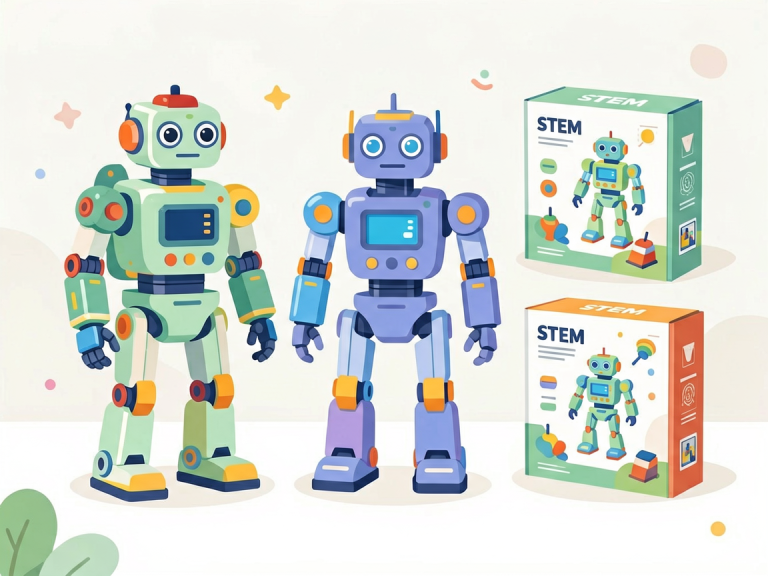
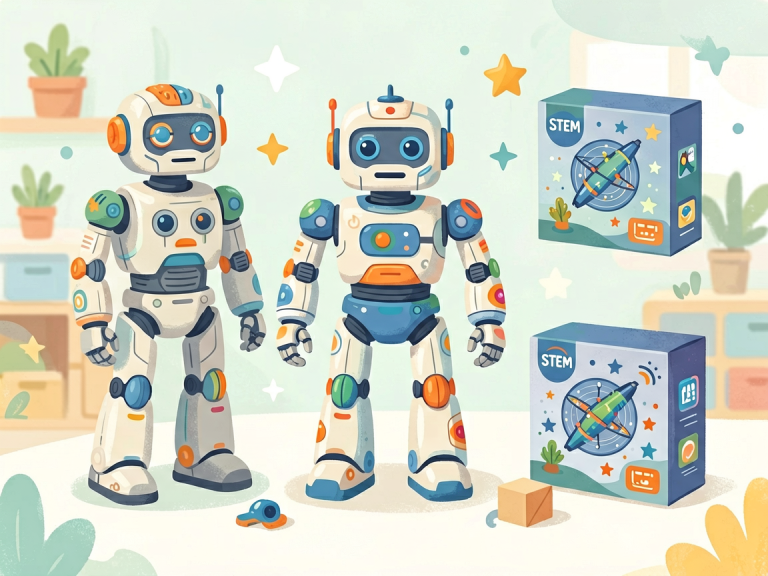
Robot kits—ranging from LEGO Mindstorms and Makeblock to VEX Robotics and littleBits—provide a physical experience that coding apps cannot replicate. When a child assembles a robot arm or a line-following car, they engage multiple senses: touch, sight, and even sound. The act of connecting gears, snapping wires, and mounting wheels creates a concrete link between cause and effect. If a robot fails to move, the child can see a loose screw, a misaligned gear, or a disconnected sensor. This immediate, physical feedback loop fosters troubleshooting skills that are both intuitive and deeply memorable.
Bridging Software and Hardware
One of the greatest advantages of robot kits is that they teach the intersection of code and reality. A child who writes a program to make a motor spin at 50% speed watches the wheel actually turn. They learn that software commands have real-world consequences—a concept that remains abstract in pure coding apps. This is particularly valuable for future engineers, roboticists, or anyone who will work in fields like automation, IoT, or manufacturing. Many advanced kits also support Python, JavaScript, or C++, allowing learners to transition from block-based coding to text-based programming without leaving the hardware behind.
Collaboration and Spatial Reasoning
Working with robot kits often requires teamwork. Two or three children may need to cooperate on a build, dividing tasks such as assembly, wiring, and programming. This collaborative environment mirrors real-world engineering projects. Additionally, assembling physical structures enhances spatial reasoning and fine motor skills. Studies show that children who regularly build with construction toys perform better on mental rotation tasks and are more likely to pursue STEM careers.
The Downside: Cost, Space, and Limited Iteration
Robot kits are not without drawbacks. High-quality kits can cost anywhere from $100 to $500 or more, making them a significant investment for families or schools. They also require storage space, batteries, and sometimes a dedicated workspace. Moreover, once a robot is built and programmed for a specific challenge, the child may need to disassemble it to start a new project, which can be discouraging for those who become attached to their creations. Software updates for the companion apps can also be problematic, as older kits may lose compatibility with newer operating systems.
The Virtual World of Coding Apps
Accessibility and Instant Gratification
Coding apps like Scratch, Code.org, Tynker, and Swift Playgrounds offer a radically different experience. With just a tablet or computer, a child can start coding within seconds. There is no need for shipping, batteries, or assembly. This low barrier to entry makes coding apps ideal for classrooms with limited budgets, libraries, or families on the go. Many apps are free or very inexpensive (often with a freemium model), democratizing access to programming education for millions of children worldwide.
Infinite Iteration and Creative Freedom
One of the most powerful features of coding apps is the ability to rapidly iterate. A child can change a variable, hit “run,” and see the result instantly. If they don’t like the animation, they can tweak the code again and again without any physical constraints. This encourages experimentation and a trial-and-error mindset. Apps like Scratch provide a vast library of sprites, sounds, and backdrops, allowing children to create games, stories, and simulations limited only by their imagination. This creative freedom is particularly appealing to children who are more artistically inclined or who prefer visual storytelling over mechanical tinkering.
Built-In Scaffolding and Gamification
Most coding apps employ sophisticated pedagogical techniques to keep learners engaged. Leveling systems, badges, stars, and unlockable content tap into the same motivational mechanics as video games. Step-by-step tutorials guide beginners through concepts like loops, conditionals, and variables without overwhelming them. For example, Code.org’s Hour of Code uses popular characters from Minecraft, Frozen, and Star Wars to teach early coding concepts in a context that children already love. This gamified approach can sustain interest over longer periods than a robot kit, which may feel like a one-off project.
The Limitations: Screen Fatigue and Abstraction
However, coding apps suffer from their own set of issues. Prolonged screen time is a growing concern among pediatricians and parents. While coding apps are certainly more educational than passive video consumption, they still contribute to digital eye strain and reduce physical activity. More critically, the purely virtual environment can make programming feel abstract. A child might learn to make a character move across a screen, but they may not grasp how that same logic applies to a real-world machine. This disconnect can be problematic for kinesthetic learners—those who learn best by doing and touching—who may struggle to stay engaged with purely digital content.
Comparative Analysis: Which One Wins?
Learning Outcomes in Context
Research suggests that the best learning outcomes occur when both robot kits and coding apps are used in tandem. Robot kits excel at teaching hardware-software integration and engineering design principles, while coding apps provide the breadth of programming concepts and the flexibility to explore creative projects. In a study published in the *Journal of Educational Computing Research*, students who used both physical robots and virtual coding environments outperformed those who used only one medium on tests of computational thinking and debugging skills. The key is synergy rather than replacement.
Age and Readiness
For very young children (ages 4–7), coding apps with simple drag-and-drop interfaces are often more appropriate. Robot kits for this age group exist (e.g., LEGO Duplo with wheels) but are limited. For ages 8–12, both options become viable, and the choice depends on the child’s personality. A child who loves building with Legos, K’Nex, or other construction toys will likely thrive with a robot kit. A child who prefers drawing, storytelling, or playing video games may find coding apps more natural. For teenagers, both paths can lead to advanced topics: robot kits can scale up to complex autonomous systems using Arduino or Raspberry Pi, while coding apps can transition to real-world languages like Python, Java, or JavaScript.
Cost-Effectiveness and Scalability
For schools and non-profits, coding apps are far more scalable. A single classroom can serve 30 students with one tablet cart and free software. Robot kits for the same number of students would require a budget of several thousand dollars and significant storage space. However, robot kits can be reused year after year if well-maintained, whereas coding apps may require annual subscriptions for premium features. For individual families, a robot kit might be a one-time purchase that provides months of engagement, while a coding app subscription could cost less upfront but accumulate over time.
Conclusion: The Hybrid Future of Tech Education
Neither robot kits nor coding apps can claim absolute superiority. They are tools, not competing philosophies, and the best educators leverage both to create well-rounded learning experiences. A child who first learns to sequence blocks in Scratch can later apply that same logic to program a robot arm. Conversely, a child who spends hours assembling a robot may gain the confidence to tackle text-based coding in a Python environment. As technology evolves, we are already seeing hybrid products—such as Sphero robots that can be programmed via a mobile app, or LEGO’s SPIKE Prime which combines physical building with a Scratch-like coding interface. These innovations blur the lines and offer the best of both worlds.
Ultimately, the goal is not to choose sides but to recognize that every child learns differently. Some will be inspired by the blinking lights and whirring motors of a robot; others will be captivated by the limitless virtual landscapes of a coding app. By providing access to both—and by encouraging exploration without pressure—we can nurture the next generation of inventors, programmers, and creative problem-solvers. The future of STEM education is not about which tool is better, but about how we use every tool available to light the fire of curiosity in young minds.