Coding Toys vs. Robot Toys: A Comparative Exploration for Young Learners
Introduction
In recent years, the landscape of children’s educational toys has undergone a profound transformation. Once dominated by passive playthings like dolls, action figures, and building blocks, the market now teems with high-tech alternatives designed to prepare children for a digital future. Among these, two categories stand out for their pedagogical promise: coding toys and robot toys. Although they are often grouped together under the umbrella of STEM (science, technology, engineering, and mathematics) education, coding toys and robot toys serve distinct purposes, employ different mechanisms, and nurture different skill sets. Understanding their differences is crucial for parents, educators, and hobbyists who wish to make informed choices about which tools best suit a child’s developmental stage, interests, and learning goals. This article provides a comprehensive comparison, examining their definitions, core functionalities, educational benefits, age suitability, cost implications, and future potential. By the end, readers will have a clear picture of how these two categories complement and contrast with each other, and how they can be strategically combined to maximize a child’s growth.
Defining Coding Toys and Robot Toys
Before diving into comparisons, it is essential to establish clear definitions. Coding toys are playthings primarily designed to teach the principles of computer programming, logic, and computational thinking without necessarily involving a physical robotic body. They often take the form of programmable blocks, card-based sequencing games, interactive apps, or screen-based environments where children drag and drop commands to create sequences. Classic examples include Osmo’s Coding Awbie, ThinkFun’s Code Master, and the popular ScratchJr app. The focus here is on the abstract skill of coding: understanding commands, loops, conditionals, and debugging.
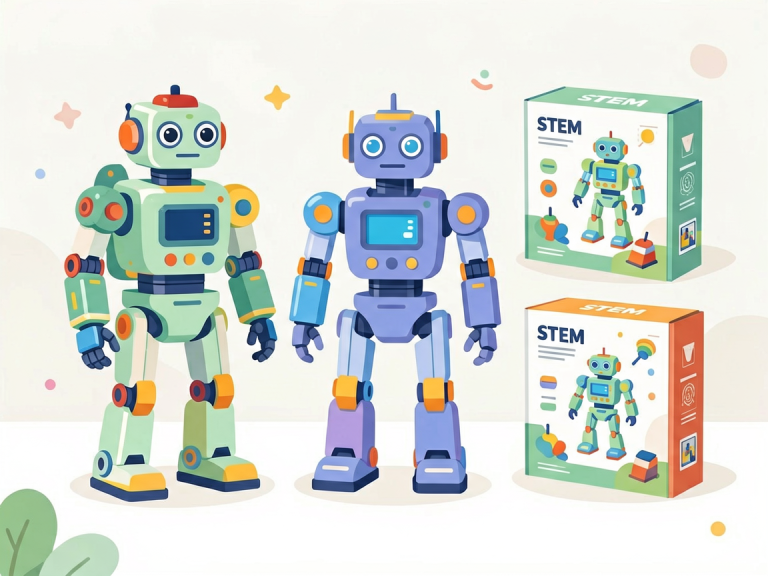
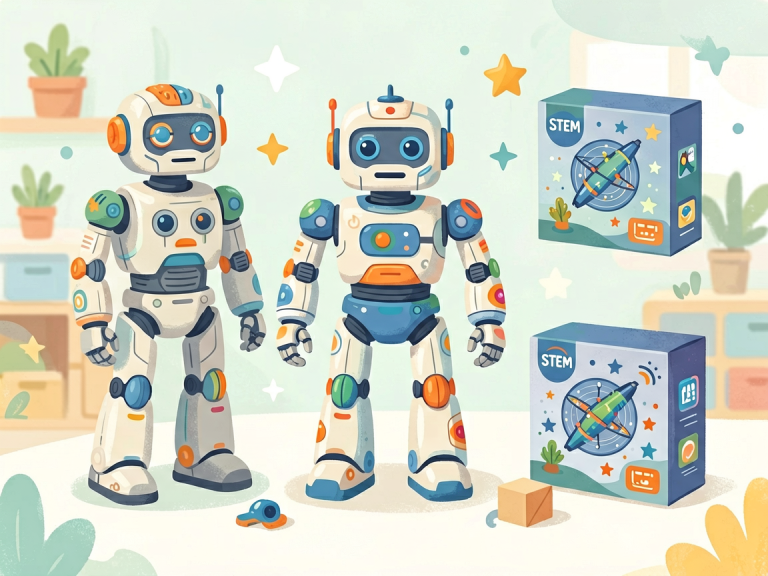
In contrast, robot toys are tangible, usually mobile devices that respond to user input or programming. They typically come with a physical chassis, motors, sensors, and sometimes lights or sound effects. Children can command these robots through remote controls, pre-set buttons, or simple coding interfaces. Well-known robot toys include Sphero Bolt, LEGO Mindstorms, Wonder Workshop’s Dash and Dot, and the Cozmo robot by Anki. The emphasis in robot toys is on physical interaction: the robot moves, reacts, and provides immediate sensory feedback, bridging the gap between digital commands and real-world actions.
The key distinction lies in the medium. Coding toys often remain in the digital or abstract realm, while robot toys materialize code into concrete motions, sounds, and behaviors. This fundamental difference shapes everything from the learning experience to the type of engagement a child enjoys.
Key Differences in Functionality and Interaction
The most obvious divergence between coding toys and robot toys is the sensory feedback loop. With coding toys, a child writes or assembles a sequence of commands and then sees the result either on a screen (e.g., an animated character moves) or through a non-robotic mechanism (e.g., a card-based puzzle reveals a path). The interaction is often solitary and introspective, requiring sustained focus on abstract problem‑solving. A child using a coding toy might spend minutes debugging a logical error in a loop condition, all without any physical movement beyond tapping a tablet.
Robot toys, by contrast, provide immediate, multi‑sensory feedback. When a child programs a robot to turn left, the robot physically spins, its wheels hum, and perhaps its LED eyes blink green. This real‑world response is highly motivating for many children, especially those who struggle with abstract concepts. The physicality of robot toys also introduces additional variables: the robot may bump into obstacles, run out of battery, or behave differently on carpet versus hardwood floors. These unplanned interactions cultivate a deeper understanding of cause, effect, and environmental constraints—lessons that pure coding toys cannot fully replicate.
Another important difference is the level of open‑endedness. Coding toys tend to be more focused on explicit programming tasks. For instance, a child using a coding app might be given a sequence of puzzles that progressively introduce new commands. The scope of creativity is sometimes limited to solving predefined challenges. Robot toys, especially advanced ones like LEGO Mindstorms or VEX Robotics, offer near‑limitless possibilities. A child can design not only the code but also the physical structure of the robot—attaching sensors, wheels, or arms—and then program it to perform a custom task like following a line or picking up objects. This combination of engineering and coding represents a richer, more integrated learning experience.
Educational Benefits and Learning Outcomes
Both coding toys and robot toys aim to develop computational thinking, but they emphasize different aspects. Coding toys excel at teaching core programming concepts such as sequencing, pattern recognition, algorithmic thinking, and debugging. Because the interface is often simplified (e.g., drag‑and‑drop blocks), children can focus entirely on logic without being distracted by mechanical issues. They learn that a program is a set of precise, step‑by‑step instructions, and that a single mistake (like putting a command in the wrong order) can cause the entire plan to fail. This builds resilience and attention to detail.
Robot toys, while also teaching coding concepts, add layers of engineering and systems thinking. When a child programs a robot to navigate a maze, they must consider not only the code but also the robot’s dimensions, turning radius, and sensor accuracy. They may need to adjust the robot’s speed or recalibrate a sensor because the floor is uneven. This real‑world problem‑solving fosters adaptability and a hands‑on understanding of how software interacts with hardware. Moreover, robot toys often encourage collaborative play. Two children working on a robot together must communicate, divide tasks, and troubleshoot as a team. Such social‑emotional learning is harder to achieve with a solitary coding toy.
Research suggests that both categories support STEM learning, but their impact varies by age. For preschool and early elementary children (ages 3–7), coding toys that use physical cards or blocks are often more appropriate because they involve no reading and require only basic motor skills. For example, Cubetto is a wooden robot that children “program” by placing colored blocks on a board—the robot then moves accordingly. This toy is classified as a coding toy, but it also has a robotic element, blurring the lines. However, for older children (ages 8 and up), robot toys like Sphero or Dash can be programmed with more complex languages, including block‑based code and even text‑based Python. At this stage, robot toys often surpass coding toys in depth and engagement.
Age Appropriateness and Engagement
One of the most practical considerations when choosing between coding toys and robot toys is the child’s age and developmental readiness. Coding toys generally have a lower entry barrier. Many are designed for children as young as three or four, relying on tangible, non‑digital components. For example, a card‑based coding game like Code & Go Robot Mouse by Learning Resources lets kids lay down directional cards to create a path for a small mouse robot. This toy is technically a robot, but its coding interface is physical and very simple. In general, pure coding toys (apps or board games) can be used by children who can follow two‑step instructions, often around age four.
Robot toys tend to require slightly older children because of the need to handle small parts, understand electronics, and manage potential frustration when a robot doesn’t work as expected. A typical robot toy like Dash is recommended for ages 6 and up, while LEGO Mindstorms is more suitable for ages 10 and above. The tactile nature of robots can be extremely engaging for kinesthetic learners—children who learn by doing rather than by listening or watching. However, for children who are easily distracted by physical stimuli or who prefer quiet, focused tasks, a screen‑based coding toy might be more effective.
Engagement also differs in duration and depth. Coding toys often lead to shorter, puzzle‑based sessions (10–20 minutes), which can be ideal for limited attention spans. Robot toys encourage longer, more exploratory play—children may spend an hour modifying a robot’s design or perfecting a complex sequence. This sustained engagement can lead to deeper learning but also requires more adult supervision and patience.
Cost and Accessibility
Cost is another significant factor. Basic coding toys, such as a deck of programming cards or a simple coding board game, can cost as little as $15–$30. Even high‑quality coding apps are often free or priced under $5. This makes coding toys highly accessible for families on a budget. They also require no batteries, no charging cables, and minimal storage.
Robot toys, on the other hand, entail higher upfront investments. A good entry‑level robot like Sphero Mini costs around $50, while more advanced kits like LEGO Mindstorms Robot Inventor can exceed $350. Moreover, robots require ongoing maintenance: batteries need charging or replacing, parts may break, and software updates are sometimes necessary. There is also the risk that a child loses interest after the initial novelty wears off, making the investment feel wasteful. However, many robot toys offer expansion packs or platform compatibility, allowing a single robot to grow with the child over several years. For example, the Wonder Workshop ecosystem includes class‑room curricula and online challenges that extend the toy’s lifespan.
From an accessibility standpoint, coding toys have the edge. They can be used anywhere—in a car, in a waiting room, or during a rainy afternoon—without needing a flat, open floor. Robot toys require space to move, which may be limited in small apartments. Additionally, robot toys can be noisy and disruptive in quiet environments, whereas coding toys are generally silent and unobtrusive.
Future Trends and Integration
The toy industry is increasingly blurring the line between coding toys and robot toys. Many modern products incorporate both features seamlessly. For instance, the Osmo Genius Kit uses a tablet camera to recognize physical puzzle pieces, turning a coding toy into an interactive experience that feels like a robot. Similarly, Cubetto is a wooden robot that uses a physical coding board, making it both a coding and robot toy. This trend suggests that in the future, the distinction may become less meaningful.
Another exciting development is the rise of AI‑powered robot toys that can adapt to a child’s skill level. Cozmo, for example, uses computer vision and machine learning to recognize faces and express emotions. While it is primarily a robot toy, it can also be programmed using a simple coding language. Such hybrid toys offer the best of both worlds: the tactile engagement of a robot and the educational depth of coding. They also introduce children to concepts like artificial intelligence, which is becoming increasingly important.
From an educational perspective, the optimal approach is not to choose one category over the other but to integrate both. A child might start with a coding toy to grasp basic sequencing and then graduate to a programmable robot to apply those skills in a physical context. Many schools now adopt a combined curriculum: using unplugged coding activities (cards, paper, etc.) alongside robot kits. This layered strategy ensures that children develop a holistic understanding of technology.
Conclusion
Coding toys and robot toys are both powerful tools for nurturing 21st‑century skills, but they are not interchangeable. Coding toys excel at teaching abstract programming logic, focus, and precision in a low‑cost, portable format. They are ideal for young children and for situations where space and budget are limited. Robot toys, with their tangible feedback, multi‑sensory engagement, and integration of engineering, are better suited for older children who crave hands‑on exploration and collaborative problem‑solving. They foster creativity, resilience, and systems thinking that coding toys alone cannot replicate.
The best choice ultimately depends on the child’s age, personality, and learning style. A patient, introverted child might thrive with a coding puzzle, while an energetic, tactile learner may be captivated by a rolling robot. Parents and educators should view these toys not as competitors but as complementary resources. By thoughtfully combining coding toys and robot toys, we can provide children with a rich, balanced STEM education that prepares them not only to consume technology but to understand, shape, and invent it. As the boundaries between these categories continue to dissolve, the future of play promises to be more integrated, adaptive, and empowering than ever before.
Start with the complete guide: The Parent’s Guide to Coding Toys: Honest Reviews and Smart Buying Tips for 2025.